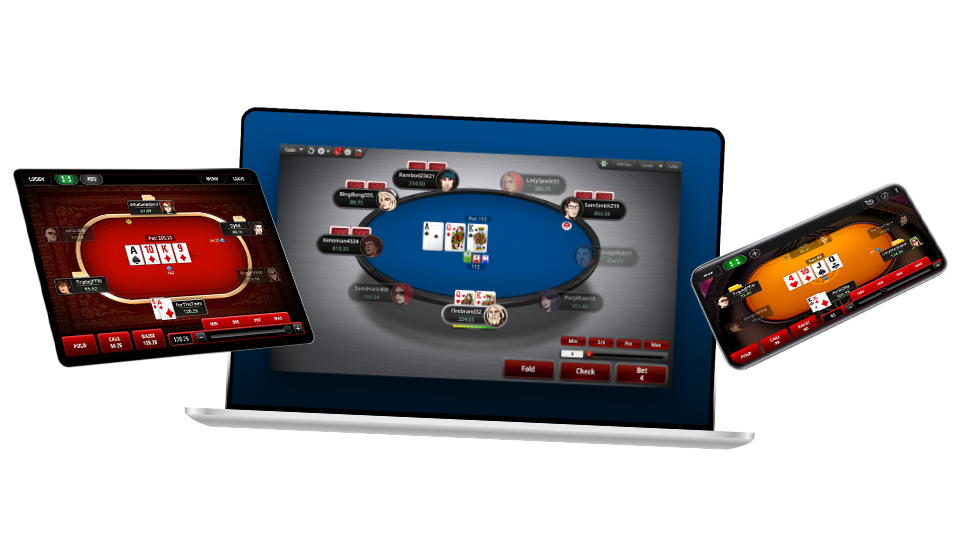
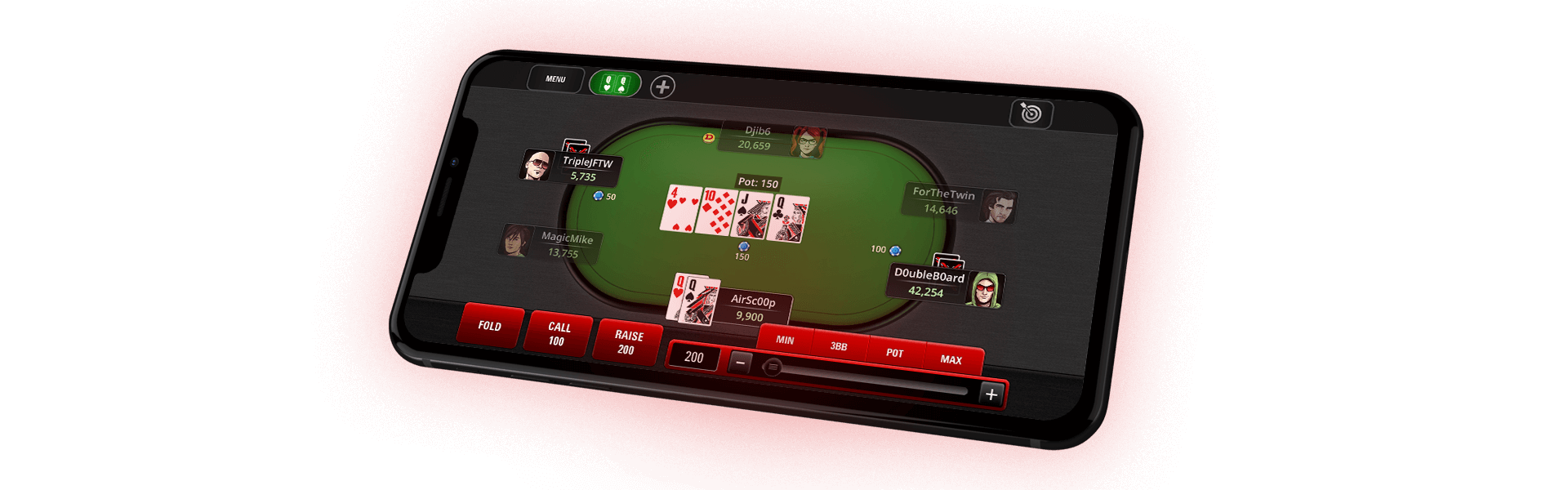
Full Tilt Poker’s new FTP Hand Replayer lets you replay and review each hand you’ve played at every table during your current session – all in one place.
The FTP Hand Replayer is a unique addition to the Full Tilt Poker game software; it’s easy to use and provides valuable information about your game. Never before have you been able to watch a replay of all the hands you’ve played during your current session in the same window. Reviewing your hands is one of the best ways to improve as a player.
Using the FTP Hand Replayer
You can access the FTP Hand Replayer at any Full Tilt Poker table by clicking the
button in the top left hand corner of the table.

The FTP Hand Replayer displays the most recently completed hand at your current table.

Use the control panel at the bottom right hand corner to replay the hand.

- Click the
button to replay the hand from start to finish - Click the
button to go back through the hand one step at a time - Click the
button to forward through the hand one step at a time - Click the
button to skip to the beginning of the hand - Click the
button to skip to the end of the hand
For flop-based games, you can jump straight to the flop, turn or river:

For Stud-based games, you can jump straight to any street:

For draw-based games, you can jump straight to any draw round:

Use the speed control directly above the play buttons to adjust the speed at which the hand plays:

You can play the hand at any speed from 50% of the default speed to 400%, which is 4x faster than the default speed.
Use the control panel at the top right hand corner to go through each hand at your current table.

- Click the
button to go to the next hand - Click the
button to go to the previous hand - Click the
button to skip to the last hand played - Click the
button to skip to the first hand played
Hand History Transcripts
The FTP Hand Replayer also lets you view a hand history transcript, which is a play-by-play text format of the hand. Review the transcript of any hand by clicking on the Hand # link in the top left hand corner.
When you click on the
link, the hand history transcript will pop up in a separate window.

For information on how to save your hand history files to your computer, please see the Hand History page.
Observer Chat
You can choose to view the observer chat from a hand by clicking the View Observer Chat check-box at the bottom left hand corner of the window.

Using the FTP Hand Replayer Console
The FTP Hand Replayer allows you to view each hand you’ve played at every table during your current session. Click the
button to expand the FTP Hand Replayer.

Table Display
The section in the top left hand corner lists each table you’ve played during your current session. Tables are separated into ring games, Rush Poker* ring games and tournaments.

Select a table from the list to replay and review any hand from that table.
Hand Selection
The section below the Table Display lists all of your hands at the selected table. Double click a hand to replay it. Each hand displays the Hand #, Hole Cards, the Total Pot and Winner(s). Hole cards are only displayed if you’re dealt into a hand.

You can sort any of the columns in the hand selection list, with the exception of the Hole Cards column, by clicking on the header of each column.
Hands are color coded to make finding a hand easier:
- Hands you won are highlighted in green:

- Hands where you are dealt cards but did not win are highlighted in black:

- Hands where you did not see all of the action play out (partial hands) are highlighted in red:

- Hands that you observed are highlighted in blue:

Check the Continuous Play box below the hand selection list to replay the hands from the currently selected list, starting with the current hand in that list.

Access the FTP Hand Replayer from the Game Lobby
Even if you’re not at a table, you can now access the FTP Hand Replayer to review all of the hands from your latest session. To access the FTP Hand Replayer from the game lobby, open the Requests drop-down menu at the top of the lobby, then select Last Hand History.

Alternatively, you can use a Hotkey to access this feature: press CTRL+H if you’re a Windows user, or Command+G if you’re a Mac user.
Use the FTP Hand Replayer Today
Take advantage of the information provided in the FTP Hand Replayer every time you sit down to play at Full Tilt Poker. Review your hands to help raise your game to the next level.