Rush Ring Games
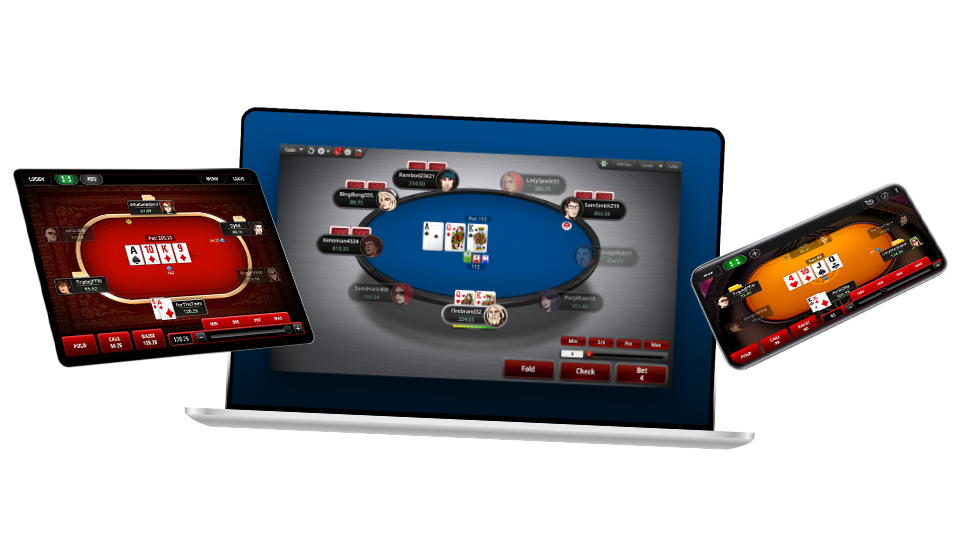
Rush Poker* is the world’s fastest poker game – and it’s only available at Full Tilt Poker.
This page shows you how to find and play a Rush Poker* game. For answers to frequently asked questions about Rush Poker*, see the Rush Poker* FAQ.
Unlike a standard ring game, when you play Rush Poker* you’ll join a large player pool and face a different table of opponents every hand you play. When you fold your hand, you’ll immediately be moved to a new table for your next hand.
Here’s what you need to know about Rush Poker* to get started:
How to Find a Rush Poker* Game
Rush Poker* can be found in both Standard View and Basic View of the Full Tilt Poker game lobby.
Standard View
In Standard View, Rush Poker* is located in the browse area at the top of the lobby:

Set your browse filters to Rush Poker*, Hold’em, No Limit and then the stakes you wish to play for. Your game list will be populated with Rush Poker* games to choose from:

You can sort the game list by categories such as number of players, average pot and hands per hour. For more information on setting the browse filters and making a Favorites list, see the Standard View page.
When you’ve found the Rush Poker* game you want to play, double click on that game to enter the Rush Poker* lobby. You can also access a Rush Poker* game by using the Rush Poker* Lobby Widgets available in Standard View:

Learn about setting up Lobby Widgets.
Basic View
Rush Poker* games are also available from Basic View of the Full Tilt Poker game lobby:

Select Rush Poker* in Step 2, followed by Hold’em, No Limit and the stakes you wish to play for. When you’re ready to play, click the Play Full Ring Now or Play 6-Max Now button to join a Rush Poker* game.
How to Play Rush Poker*
Joining a Rush Poker* Game
From the Rush Poker* lobby, get started by clicking the Join Now button at the top right corner:

This will open your Rush Poker* table, where you’ll be able to choose your buy-in amount:

When you’ve chosen your buy-in amount, a three-second countdown will take place before you join the game:

Playing a Rush Poker* Game
When you join a Rush Poker* game, you’ll enter a large player pool and be seated at the first available table.
You’ll post the big blind when you first join a Rush Poker* game. After that, the player who has gone the longest without posting will be the big blind for that hand. Posting of the small blind and other seating positions are randomized for each hand. See the Rush Poker* FAQ for more information on posting blinds in Rush Poker*.
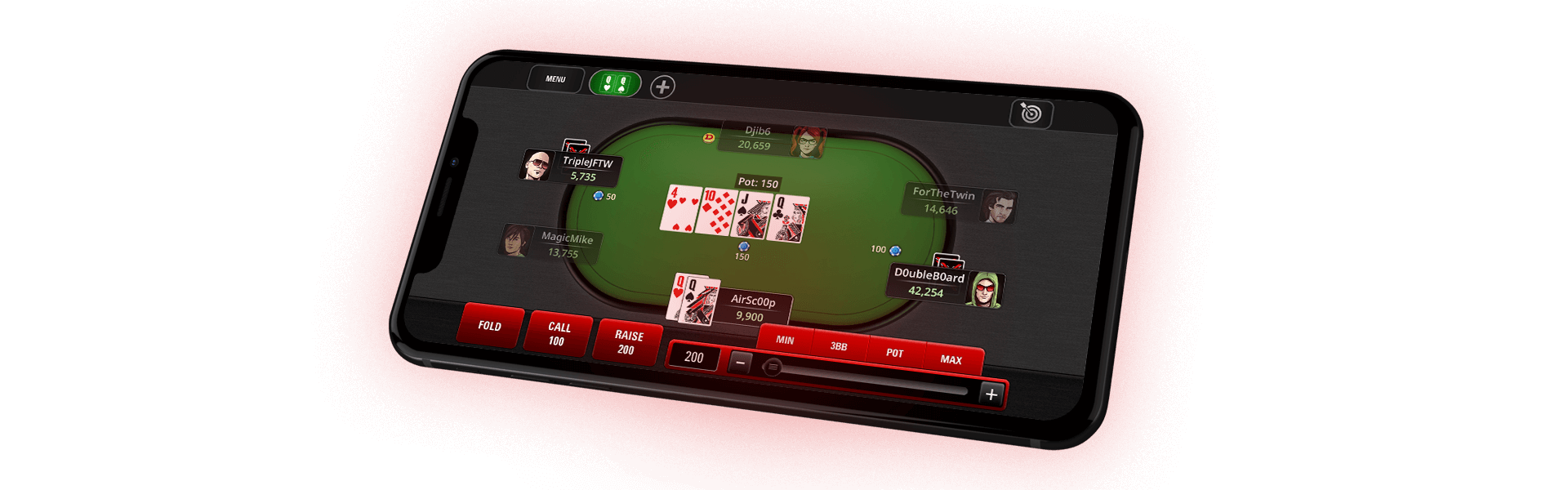
While playing a Rush Poker* game, standard ring game rules apply. When you fold your hand, you’ll be moved to another table for your next hand:

When the table is full, a new hand will begin.
In order to allow Rush Poker* ring games to move faster when there is a small number of players, hands are dealt short-handed once the player pool falls below a certain number.
Quick Fold
To play even faster, use the Quick Fold button at the bottom of the Rush Poker* tables:

When you Quick Fold, you’ll be taken to the next table immediately – even if the action hasn’t reached you yet. Players at your previous table will not see that you’ve folded until it’s your turn to act. Please note that when you press the Quick Fold button, the action cannot be undone. See the Rush Poker* FAQ for more information about the Quick Fold button.
Rush Poker* Animation
In Rush Poker*, a "slide" transition is the default animation used when you change tables. You can change this setting to a more subtle "fade" transition animation by clicking the Options button at the top right corner of the table and selecting the Sound & Animation tab:

Alternatively, when you’re sitting out at a Rush Poker* table, you can change the animation setting at the bottom right corner:

Playing Multiple Rush Poker* Tables
To play more hands even faster, you can join the same Rush Poker* game more than once.
If you’re up to the challenge of multi-tabling the world’s fastest poker game, return to the Rush Poker* lobby and click the Join Now button again. This will open a new Rush Poker* table, where you can select your buy-in amount and join the game. Each seat you take is considered a separate entry into the game, as indicated at the top of the Rush Poker* table:

If you do multi-table a Rush Poker* game, you will never be seated at the same table with yourself. See the Rush Poker* FAQ for more information on multi-tabling a Rush Poker* game.
Sitting Out
If you want to take a break from Rush Poker*, check the Sit Out Next Hand or the Sit Out Next BB checkbox at the bottom left corner of the table:

You will watch the rest of the current hand play out before you are removed from the game. When you’re ready to rejoin the action, click the Play Now button at the bottom of the table:

For more information on Rush Poker*, see the Rush Poker* FAQ.